


Blu-Ray scratch
 04-02-19 | 09:43 AM
#1
Thread Starter
New Member
Joined: Apr 2019
Posts: 4
Likes: 0
Received 0 Likes
on
0 Posts
Blu-Ray scratch
Hello to everyone. I'm new and I don't know if this is the right section to post on.
Well, I bought for the first time a Blu-Ray disk and I immediately noticed a weird sign. It looks like a scratch, but I think it is a manufacturing defect.
I haven't watched the movie entirely yet, I just tried to insert it in my PlayStation 4 and start it, but it seems it works fine (I watched some scenes, skipping the reproduction).
Do you think that it is a "dangerous" mark for my movie and it's likely that my console will incur difficulties in reproducing it for the whole duration?
I attached some pics of the scratch. Thank you in advice.
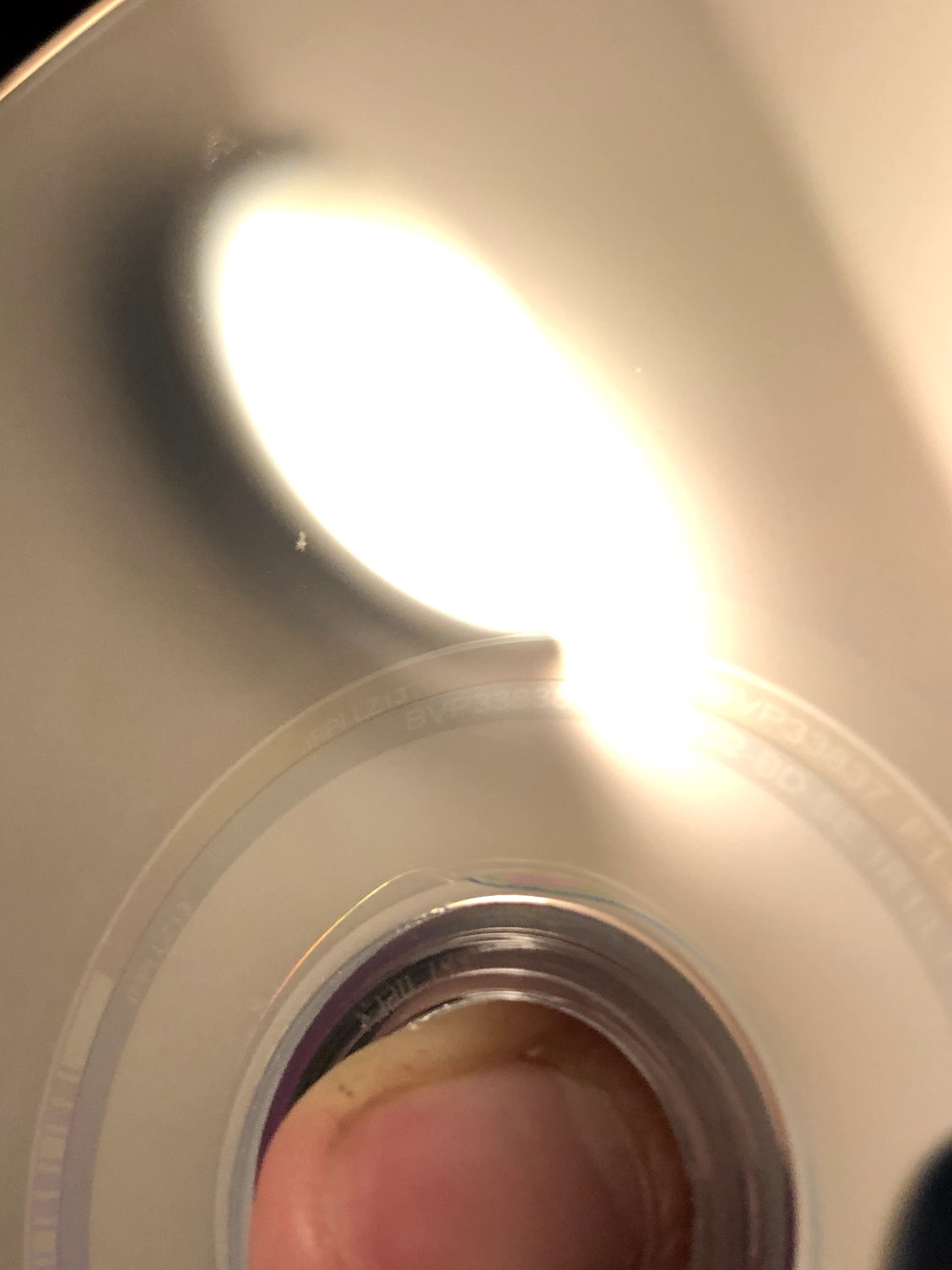
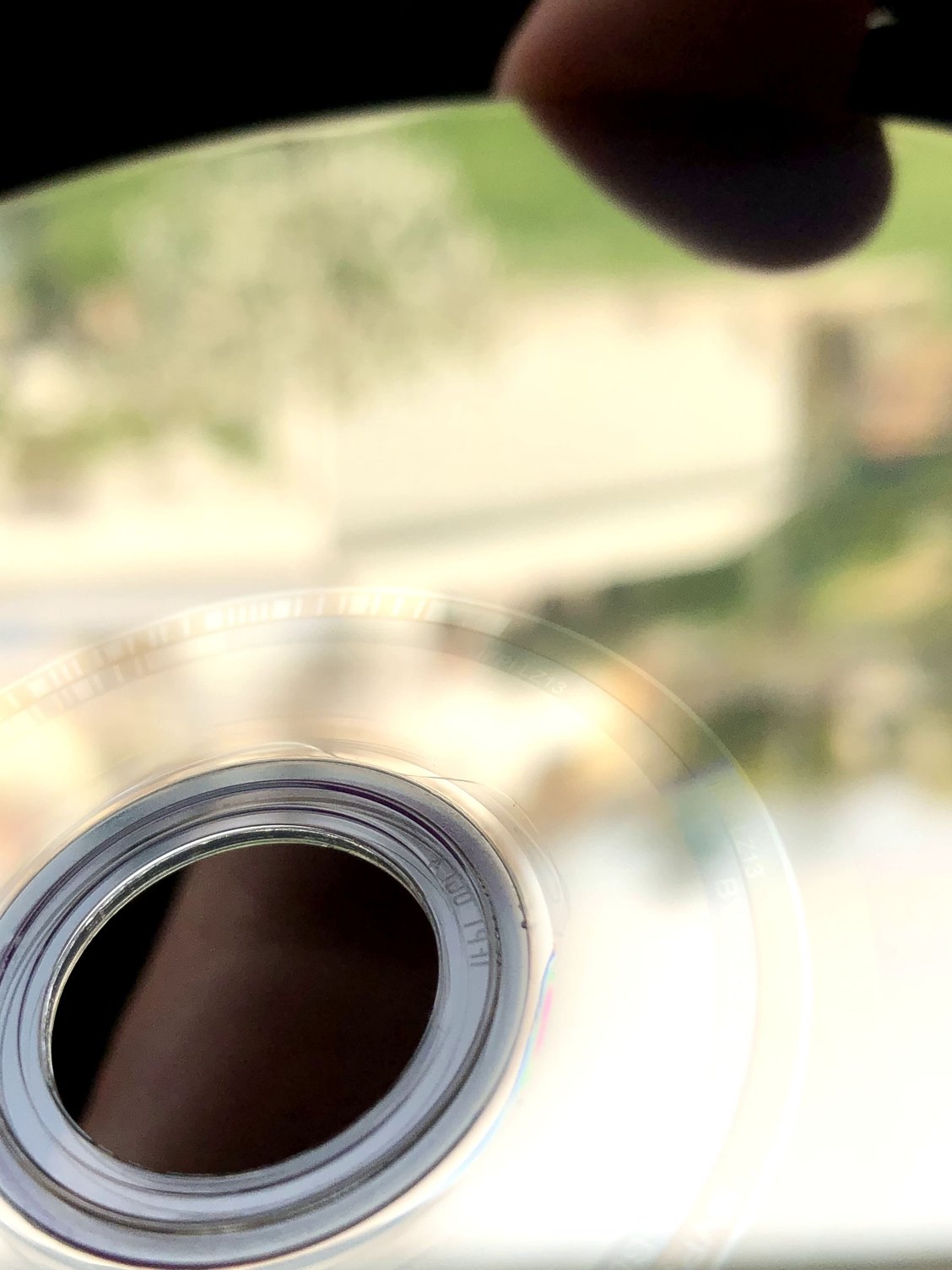
Well, I bought for the first time a Blu-Ray disk and I immediately noticed a weird sign. It looks like a scratch, but I think it is a manufacturing defect.
I haven't watched the movie entirely yet, I just tried to insert it in my PlayStation 4 and start it, but it seems it works fine (I watched some scenes, skipping the reproduction).
Do you think that it is a "dangerous" mark for my movie and it's likely that my console will incur difficulties in reproducing it for the whole duration?
I attached some pics of the scratch. Thank you in advice.
 04-02-19 | 01:08 PM
#3

DVD Talk Legend
Re: Blu-Ray scratch
Most Blu-ray players have some measure of error correction for dealing with small scratches or defects. Larger or deeper scratches could cause playback problems. The best thing to do is watch the movie and see what happens.
04-02-19 | 01:51 PM
#4
Thread Starter
New Member
Joined: Apr 2019
Posts: 4
Likes: 0
Received 0 Likes
on
0 Posts
Re: Blu-Ray scratch
Okay, thank you both!
Tomorrow I'll watch the movie and I'll keep you updated. I decided to ask a question in this forum because it appeared strange to me a thing like that and I was curious (and obviously to reassure me not having wasted my money )
)
Tomorrow I'll watch the movie and I'll keep you updated. I decided to ask a question in this forum because it appeared strange to me a thing like that and I was curious (and obviously to reassure me not having wasted my money
)
04-02-19 | 02:57 PM
#5
DVD Talk Legend
Re: Blu-Ray scratch
If it doesn't play right, definitely return or exchange it where you bought it.
04-03-19 | 06:22 AM
#6

DVD Talk Legend
Re: Blu-Ray scratch
Yeah, I have lots of Blu-rays with similar scratches that play just fine. If it were a DVD, you'd be in trouble. 
 04-03-19 | 05:00 PM
#8
Thread Starter
New Member
Joined: Apr 2019
Posts: 4
Likes: 0
Received 0 Likes
on
0 Posts
Re: Blu-Ray scratch
 04-03-19 | 05:05 PM
#9
Thread Starter
New Member
Joined: Apr 2019
Posts: 4
Likes: 0
Received 0 Likes
on
0 Posts
Re: Blu-Ray scratch
04-03-19 | 06:28 PM
#10
04-04-19 | 02:05 AM
#12

DVD Talk Hero
Re: Blu-Ray scratch
If the OP is referring to that irregular mark around the hub, I don’t think that’s a scratch. It’s just a cosmetic blemish from the manufacturing process. I’ve seen it on numerous blu-rays and DVDs. It shouldn’t have any effect on playback, and probably won’t shorten the lefespan of the disc.
And there is no data in that part of the blu-ray. The data is in the area of the disc between those serial numbers and bar codes and the edge of the disc.
And there is no data in that part of the blu-ray. The data is in the area of the disc between those serial numbers and bar codes and the edge of the disc.
04-04-19 | 06:10 AM
#13
DVD Talk Legend
Re: Blu-Ray scratch
As the above poster said, this one does look like a manufacturing flaw - probably a whole batch that came out like this. It almost looks like a coating defect and not a scratch (Blu-rays get a protective coating put over them to avoid scratching).
04-04-19 | 10:26 AM
#14
Senior Member
Joined: Nov 2009
Posts: 323
Likes: 0
Received 0 Likes
on
0 Posts
From: Connecticut
Re: Blu-Ray scratch
It doesn't. Like CDs and DVDs, the inner ring has printed numbers (called a matrix) that identify the release. I've seen this manufacturing defect (not a scratch) on a few Blu-Rays before and it will play fine.
04-05-19 | 06:36 PM
#15

Re: Blu-Ray scratch
Agreed. The tough coating that's on Blu-rays is put on as a gel near the inner ring, and then the disc is spun really fast to disperse the gel to the outside edges. Once dispersed, it dries, and voila, you've got a protective coating. This just looks like the inside edge of the coating. Nothing to worry about whatsoever.
