


Feedback Forum Frequently Asked Questions
 08-14-15 | 06:52 PM
#151

DVD Talk Legend
 11-30-15 | 04:07 AM
#153
Re: Feedback Forum Frequently Asked Questions
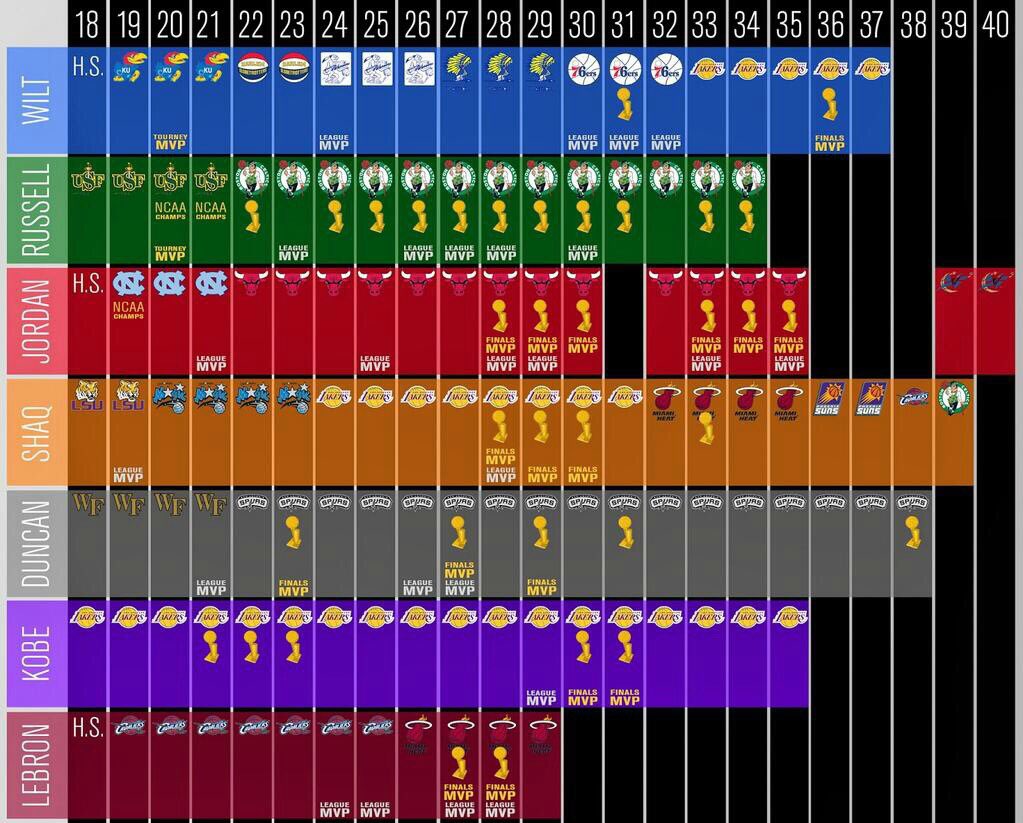
Why cannot I post this image? The image is safe for work, it's just not showing up in the post for some reason. I can also post other pictures with no problem, too.
https://pbs.twimg.com/media/CUoZ-xuUEAAZnSs.jpg
Thanks in advance!
https://pbs.twimg.com/media/CUoZ-xuUEAAZnSs.jpg
Thanks in advance!
 11-30-15 | 09:45 AM
#155

DVD Talk Reviewer/ Admin
Joined: Sep 1999
Posts: 31,744
Received 2,839 Likes
on
1,877 Posts
From: Greenville, South Cackalack
Re: Feedback Forum Frequently Asked Questions
Yeah. I wonder if you have some local security settings that won't load secure images from a not-secure site.

 02-05-16 | 05:17 PM
#157
Re: Feedback Forum Frequently Asked Questions
What's the technical issue when I view the GIF thread? Everything usually freezes for awhile when I try to view that thread. Is it because they're too many GIFs on one page? I use Google Chrome.
02-08-16 | 12:36 PM
#158
DVD Talk Hall of Fame
Re: Feedback Forum Frequently Asked Questions
not that there are too many, but that some are huge (filesize-wise). a few 50-90MB gifs on one page will will do that to you.
04-14-16 | 10:41 AM
#160

Re: Feedback Forum Frequently Asked Questions
I have been trying for the past week to edit my post in the "2016 DVD/BR Spending Tab (Swan Song Edition)" thread, but when I try to save changes, I keep getting a "This page can’t be displayed" message, or some message that says a "security token" was missing. Tried this on 3 browsers (Edge, Chrome, IE), and still get the same results.
Has anybody else had difficulty editing posts? What's preventing me from editing posts and saving my changes?
Has anybody else had difficulty editing posts? What's preventing me from editing posts and saving my changes?
04-15-16 | 04:35 PM
#161

Re: Feedback Forum Frequently Asked Questions
I have been trying for the past week to edit my post in the "2016 DVD/BR Spending Tab (Swan Song Edition)" thread, but when I try to save changes, I keep getting a "This page can’t be displayed" message, or some message that says a "security token" was missing. Tried this on 3 browsers (Edge, Chrome, IE), and still get the same results.
Has anybody else had difficulty editing posts? What's preventing me from editing posts and saving my changes?
Has anybody else had difficulty editing posts? What's preventing me from editing posts and saving my changes?
04-15-16 | 05:23 PM
#162
Re: Feedback Forum Frequently Asked Questions
No photos. Just adding new movie titles that I bought to my list in my post.
I actually was able to save my list changes this morning. But for the past week I wasn't able to save changes to my list, just get the missing "security token" or "page can't be displayed" pages.
I actually was able to save my list changes this morning. But for the past week I wasn't able to save changes to my list, just get the missing "security token" or "page can't be displayed" pages.
05-28-16 | 03:43 PM
#163
DVD Talk Legend
Re: Feedback Forum Frequently Asked Questions
I have a question:
I registered with this place a long time ago and have had my password stored with autolog-in for a while. I t just occurred to me that I no longer remember my original password and my e-mail is out of date. Anything that I can do if I find myself locked out and unable to remember? Thanks!
I registered with this place a long time ago and have had my password stored with autolog-in for a while. I t just occurred to me that I no longer remember my original password and my e-mail is out of date. Anything that I can do if I find myself locked out and unable to remember? Thanks!
05-31-16 | 07:44 PM
#164
Re: Feedback Forum Frequently Asked Questions
I have a question:
I registered with this place a long time ago and have had my password stored with autolog-in for a while. I t just occurred to me that I no longer remember my original password and my e-mail is out of date. Anything that I can do if I find myself locked out and unable to remember? Thanks!
I registered with this place a long time ago and have had my password stored with autolog-in for a while. I t just occurred to me that I no longer remember my original password and my e-mail is out of date. Anything that I can do if I find myself locked out and unable to remember? Thanks!
08-09-16 | 09:05 AM
#165
Re: Feedback Forum Frequently Asked Questions
How do I type my own words in a URL instead of copying and paste the URL link itself?
Also, I'm trying to edit a Wiki-post, but I keep on getting a database error. It says, "The DVD Talk Forum database has encountered a problem," on both Firefox and Google Chrome.
Thanks in advance!
Also, I'm trying to edit a Wiki-post, but I keep on getting a database error. It says, "The DVD Talk Forum database has encountered a problem," on both Firefox and Google Chrome.
Thanks in advance!
Last edited by EinCB; 08-09-16 at 09:12 AM.
08-09-16 | 09:38 AM
#166
DVD Talk Reviewer/ Admin
Joined: Sep 1999
Posts: 31,744
Received 2,839 Likes
on
1,877 Posts
From: Greenville, South Cackalack
Re: Feedback Forum Frequently Asked Questions
[ url = http://www.dvdtalk.com/reviews/70719...ller-tomatoes/ ]Adam Tyner is a brilliant writer.[ /url ]
Remove the spaces to write that out for real, and:
Adam Tyner is a brilliant writer.
08-09-16 | 10:01 AM
#167

Challenge Guru & Comic Nerd
Re: Feedback Forum Frequently Asked Questions
^ I remember it used to be automatic that when I hit the hyperlink button and pasted the link, it would then have the area for free text highlighted to let me change it. This no longer works in iOS.
02-01-17 | 04:59 PM
#170

DVD Talk God
Re: Feedback Forum Frequently Asked Questions
How do you get rid of annoying hijacking pop up ads? Maybe someone will figure it out. 
02-01-17 | 05:00 PM
#171

DVD Talk Godfather
Joined: Oct 2003
Posts: 57,873
Received 1,745 Likes
on
1,402 Posts
From: Home of 2013 NFL champion Seahawks
02-01-17 | 05:43 PM
#172
DVD Talk Legend

 02-01-17 | 09:07 PM
#175
DVD Talk Legend